 AI Agents Hub
Windsurf vs Cursor vs Cline: The VS Code AI Extension Battle in 2026
Three AI coding tools live inside VS Code: Windsurf's Cascade context tracking, Cursor's best-in-class tab autocomplete, and Cline's open-source BYOK flexibility. Here's how to pick the right one.
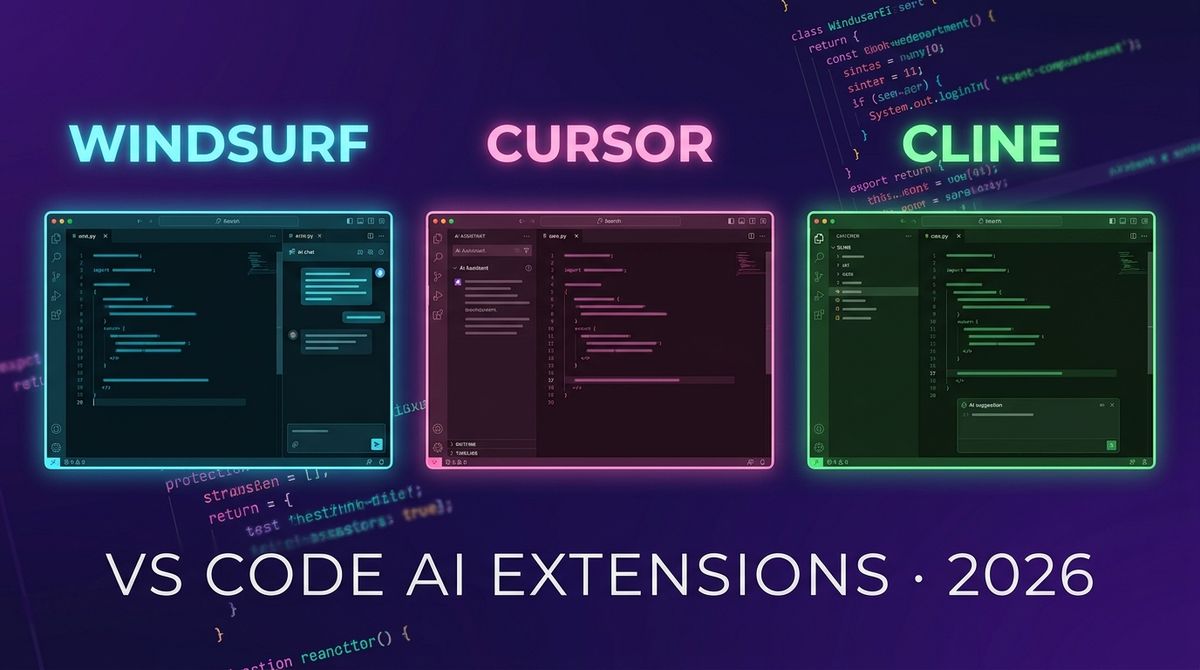
Three AI coding tools live inside VS Code: Windsurf from Codeium, Cursor (already covered in our Claude Code vs Cursor vs Cline comparison), and Cline. This post zooms into the VS Code-native category — what each tool does, where they diverge, and which one to pick for which kind of developer.
We already covered the three-way comparison in depth — this post adds the specific detail that Windsurf deserves, and gives you a clearer decision framework for the VS Code-native segment specifically. If you are already committed to VS Code and want to pick one AI coding extension, this is the post that makes the decision concrete.
The VS Code AI market in 2026
VS Code has become the battleground for AI coding assistants. Four tools compete in the VS Code ecosystem: Cursor (fork of VS Code), Windsurf (extension from Codeium), Cline (extension, open-source), and Continue (extension, open-source). Cursor is a separate application; the other three are extensions you install into your existing VS Code.
The practical consequence: if you already use VS Code and do not want to switch applications, you are choosing between Windsurf, Cline, and Continue. Cursor requires switching to a Cursor-specific VS Code fork. This is a smaller decision than it sounds — the fork preserves your extensions, keybindings, and settings — but it is still a decision.
Windsurf: Codeium's AI-native VS Code extension
Windsurf is Codeium's entry into the AI coding assistant market, released in late 2024 and rapidly gaining market share. It is a VS Code extension (not a fork) that layers an AI coding assistant on top of your existing VS Code setup. The standout feature is Cascade — a context-aware AI session that tracks your entire codebase context as you work, maintains a running understanding of your current file and project, and proactively suggests next steps.
Where Windsurf differentiates from Cursor and Cline is the contextual awareness model. Windsurf's Cascade maintains a persistent understanding of your project as you code — it knows which files you have open, which errors are in your terminal, and which files you recently changed. When you open a chat session, the context is already there. You do not start from scratch.
The other differentiator is Codeium's own model. Unlike Cline (bring your own key) or Cursor (managed), Windsurf uses Codeium's own models — which are free for individual use and priced aggressively for teams. The quality is competitive with GPT-4 class models on most coding tasks, and Codeium is investing heavily in closing the gap.
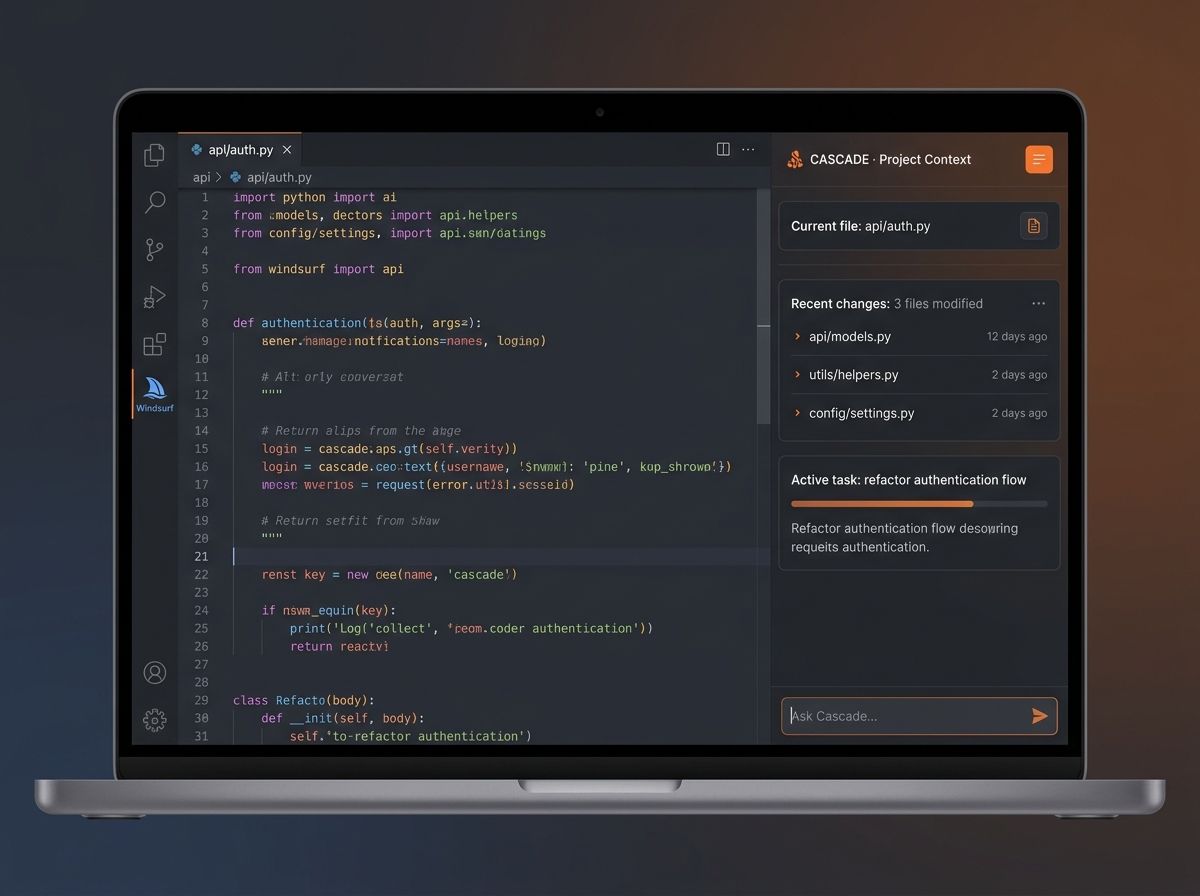
Windsurf is free for individual developers (Codeium's model, no API key needed) with a Pro tier for teams. The extension install is frictionless — one click from the VS Code marketplace and you are running. For developers who want a zero-setup, free AI coding assistant inside VS Code, Windsurf is the lowest-friction entry point available today.
Pick Windsurf if you want a free, zero-setup AI coding assistant that lives inside your existing VS Code, maintains project context across sessions, and does not require an API key. Skip it if you want access to Claude-class models or the absolute best tab autocomplete available — Cursor Pro with the strongest models is still ahead on quality.
Cursor: the AI-first VS Code fork
Cursor is the highest-quality option in the VS Code ecosystem, at the cost of being a fork rather than an extension. You install the Cursor application (a fork of VS Code), import your extensions and settings, and gain access to the strongest AI coding features available — including the best tab autocomplete in the market and a powerful Agent (Composer) mode for multi-file tasks.
The quality gap between Cursor and the extension-based alternatives has narrowed in 2026, but it has not closed. Cursor's tab autocomplete remains the most viscerally impressive AI coding feature in any editor — you press Tab and watch your cursor follow your intent across files. The Agent mode handles complex multi-file tasks with a sophistication that the extensions have not fully matched.
The trade-off is the fork model. Your extensions mostly work — Cursor ships compatibility shims for the most popular ones — but edge cases exist. If your workflow depends on a specific extension that breaks in Cursor, you are stuck with either waiting for a fix or switching back to VS Code.
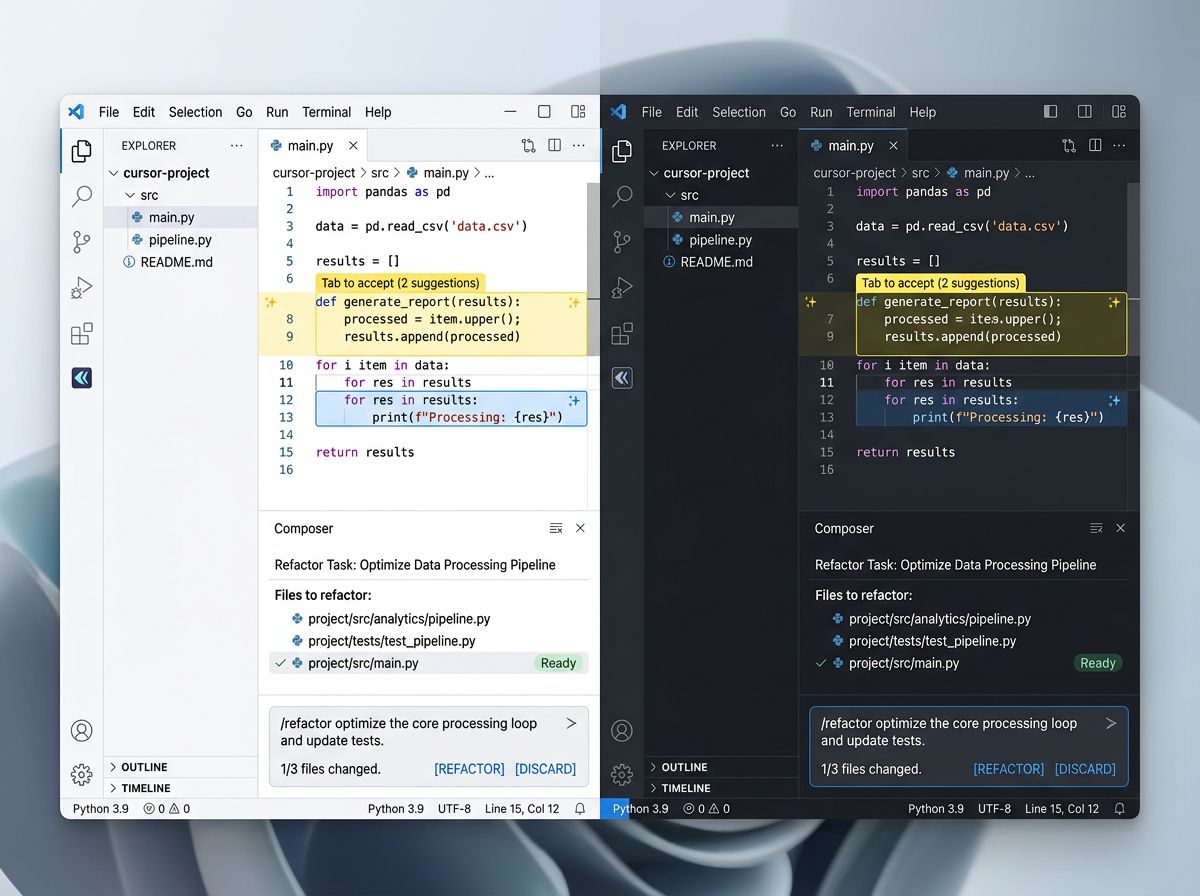
Pick Cursor if you want the strongest AI coding experience available and are willing to switch from VS Code to the Cursor fork. The tab autocomplete alone justifies the $20 Pro tier for most working developers. Skip it if you depend on an extension that is not yet compatible with Cursor, or you want a free solution.
Cline: the open-source BYOK extension
Cline is the open-source, bring-your-own-key extension for VS Code. It gives you an autonomous coding agent that lives in your VS Code sidebar, with full control over which model runs, which tools are available, and which API keys are used. The model choice is the defining feature — you are not locked into Codeium, Anthropic, or OpenAI's defaults; you pick and switch freely.
The open-source model means Cline can also create MCP servers on the fly. If you ask Cline to add a tool that connects to your CRM, it can write the MCP server code, register it, and use it — all in the same session. This makes Cline the most extensible tool in the VS Code ecosystem for developers who want to build custom tool integrations.
The trade-off is setup complexity. Cline requires an API key, a provider choice, and a model choice — every time. The quality also depends entirely on the model you choose; there are no "sensible defaults" that Codeium or Anthropic have tuned for you. If you want a working AI coding assistant in 5 minutes, Windsurf or Cursor is faster.
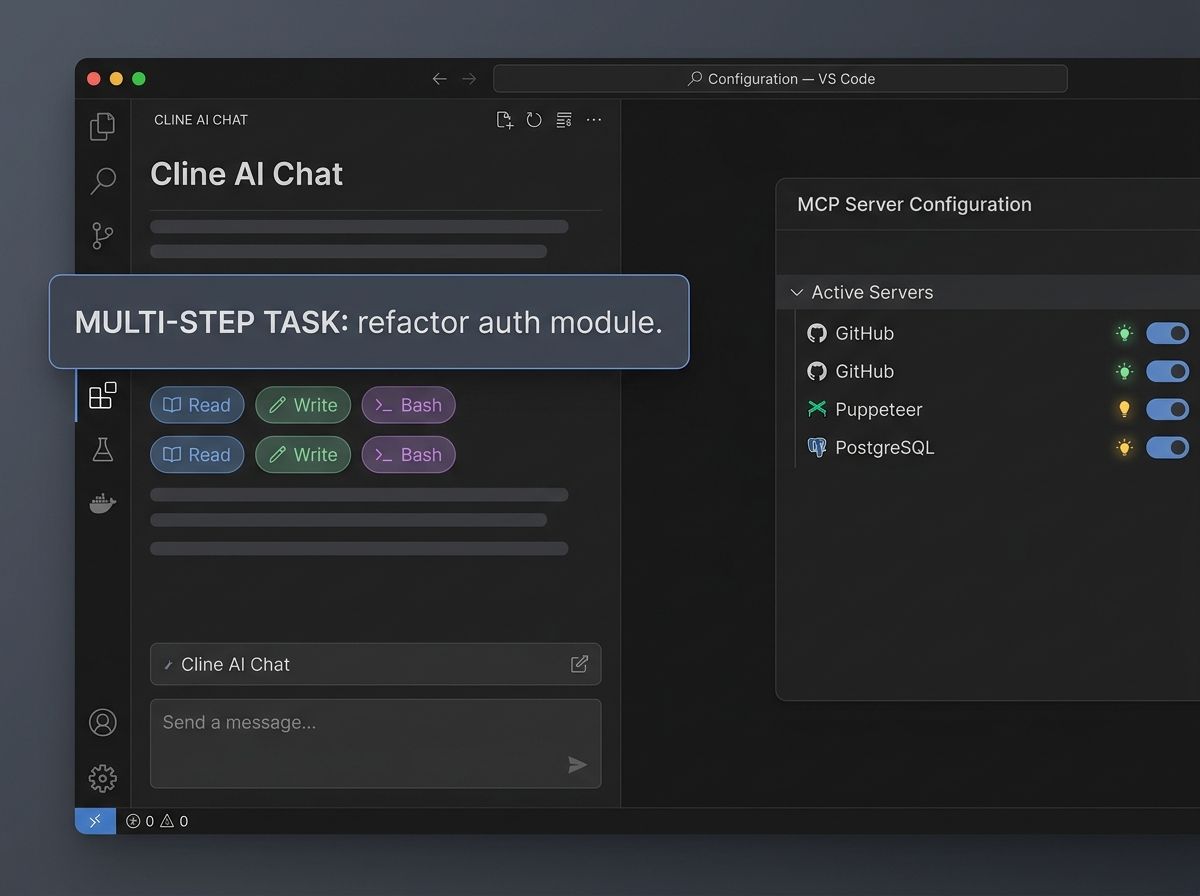
Pick Cline if you want full control over your AI stack, are comfortable setting up an API key and model, and want the ability to create custom MCP tools as part of your workflow. Skip it if you want zero-setup, or you are not a developer who wants to configure your own model stack.
Comparison at a glance
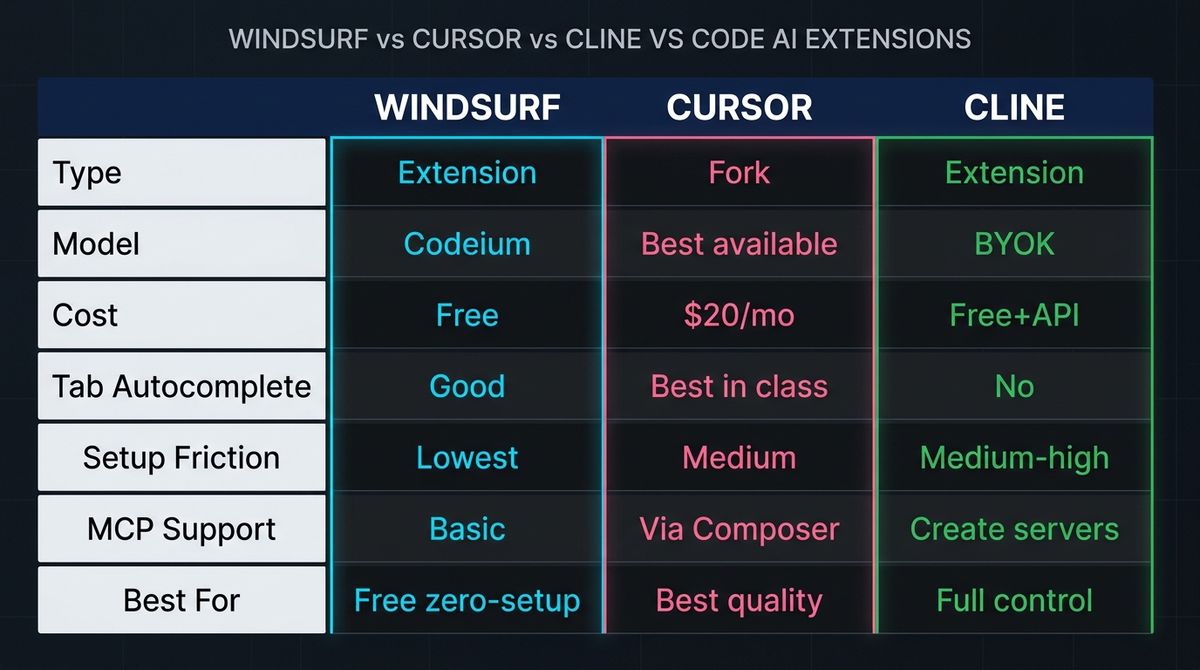
| Windsurf | Cursor | Cline | |
|---|---|---|---|
| Type | VS Code extension | VS Code fork (app) | VS Code extension |
| Model | Codeium (free tier) | Best available (Pro) | Bring your own (any LLM) |
| Cost | Free (individual) | $20/month (Pro) | Free + API key cost |
| Tab autocomplete | Good | Best in class | No |
| Setup friction | Lowest (one-click) | Medium (fork install) | Medium-high (key + provider) |
| MCP support | Basic | Via Composer | Can create servers on the fly |
| Best for | Free, zero-setup AI coding | Best quality, worth $20/mo | Full control, open-source stack |
Verdict by use case
If you want the best quality and $20/month is fine: Cursor. The tab autocomplete alone is worth the price for any developer who spends significant time in an editor. The Agent (Composer) mode handles complex tasks with a sophistication that the extensions have not fully matched.
If you want a free, zero-setup AI coding assistant: Windsurf. Codeium's own model is competitive on most tasks, the Cascade context tracking is genuinely useful, and the one-click install makes it the fastest on-ramp available.
If you want full control over your AI stack and are comfortable configuring it: Cline. The open-source BYOK model, the ability to create MCP servers on the fly, and the model flexibility make it the most powerful option for developers who want to own their stack.
If you want all three: install Windsurf as your default free assistant, use Cursor when you specifically want the tab autocomplete, and keep Cline around for tasks that need custom MCP tools or a specific model that Cursor does not support.
What to try first
If you've never used an AI coding tool in VS Code, start with Windsurf — one click, free, no API key, running in your existing VS Code. Once you've felt what AI completion looks like, upgrade to Cursor Pro for the tab autocomplete quality improvement. Add Cline when you have a task that needs a specific model or a custom MCP tool.
Bottom line
Windsurf, Cursor, and Cline cover three different positions on the quality-control-friction spectrum. Windsurf is free and frictionless. Cursor is the best quality at $20/month. Cline is full control and open-source. The one to pick depends on whether your bottleneck is money, quality, or control — and the honest answer for most developers is Cursor at $20/month for the tab autocomplete alone.
See the full profiles — and 59 other AI agents — in our directory.