 AI Agents Hub
Operator vs Browser-Use: Which AI Browser Agent Should You Use in 2026?
OpenAI's Operator is a hosted browser agent that clicks and fills forms. Browser-Use is the open-source Python library that lets any LLM drive a real Chromium browser. They look similar from the outside; they target very different users.
For two years, "AI that uses a browser" was a demo. In 2026, it is a real product category with two very different answers. Operator (now folded into ChatGPT Agent) is OpenAI's hosted service: a managed virtual browser that clicks, types, and fills forms on your behalf, accessed through your ChatGPT Pro subscription. Browser-Use is the open-source Python library that lets any LLM drive a real Chromium browser via Playwright, popular with developers who want to build their own web agents.
Both are "AI browser agents." Both can navigate a website, fill a form, and complete a task. But they target very different users, and picking the wrong one for your situation will cost you either $200/month in subscription fees you don't need, or a week of Python work you don't have time for. This post compares the two head-to-head using the profiles in our 62-agent directory, and tells you which to pick.
Operator: the hosted browser agent
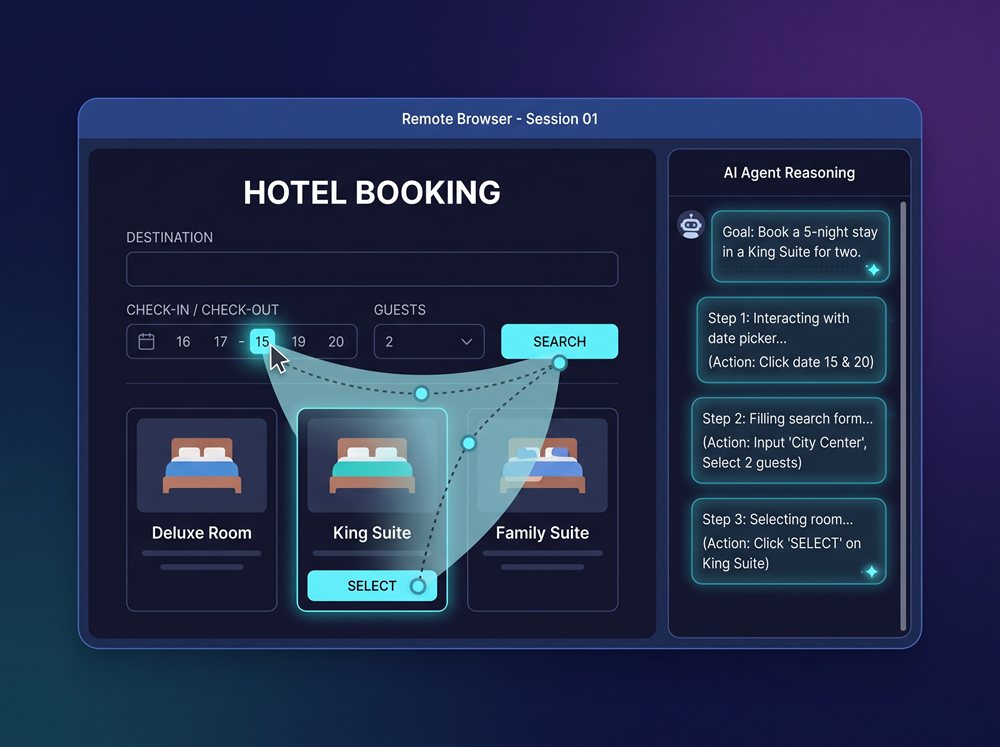
Operator is OpenAI's browser agent. You describe a task in plain English ("find the cheapest direct flight from SFO to Tokyo between Nov 10 and Nov 17"), and Operator opens a remote virtual browser, navigates with mouse and keyboard, fills forms, and returns the result. As of July 2026, Operator has been rolled into "ChatGPT Agent" — a unified tool that combines Operator, Deep Research, and ChatGPT, with the model picking the right tool for each step.
The pitch is simple: no setup, no code, no infrastructure. You describe the task, OpenAI runs the browser in their cloud, you get the answer. The model is the Computer-Using Agent (CUA) — an o3-class vision-action model that sees the screen and decides what to click. The benchmarks are real: 41.6% on Humanity's Last Exam (single pass), 68.9% on BrowseComp (SOTA), and in a July 2026 demo, Operator + Deep Research matched or beat junior investment-banking analysts (1-3 years experience) on real research tasks.
Where Operator is weak: it is slow, it is expensive, and it is closed. The speed is the fundamental cost of the approach — the model thinks in steps, not seconds, and a 10-minute task on Operator is a 10-minute task. The price is $200/month for ChatGPT Pro, which only makes sense if you use Operator frequently enough to amortise that. The closed-source part is the biggest strategic concern: your browser sessions run in OpenAI's cloud, and you cannot inspect, customise, or host the model yourself. If you need a self-hosted, programmable, or cheap solution, Operator is the wrong answer.
Pick Operator if you already pay for ChatGPT Pro, want a no-code browser agent, and the tasks you run are worth $200/month of subscription. Skip it if you want self-hosting, fine-grained control, a programmatic API, or a one-off agent for a small task.
Browser-Use: the open-source library
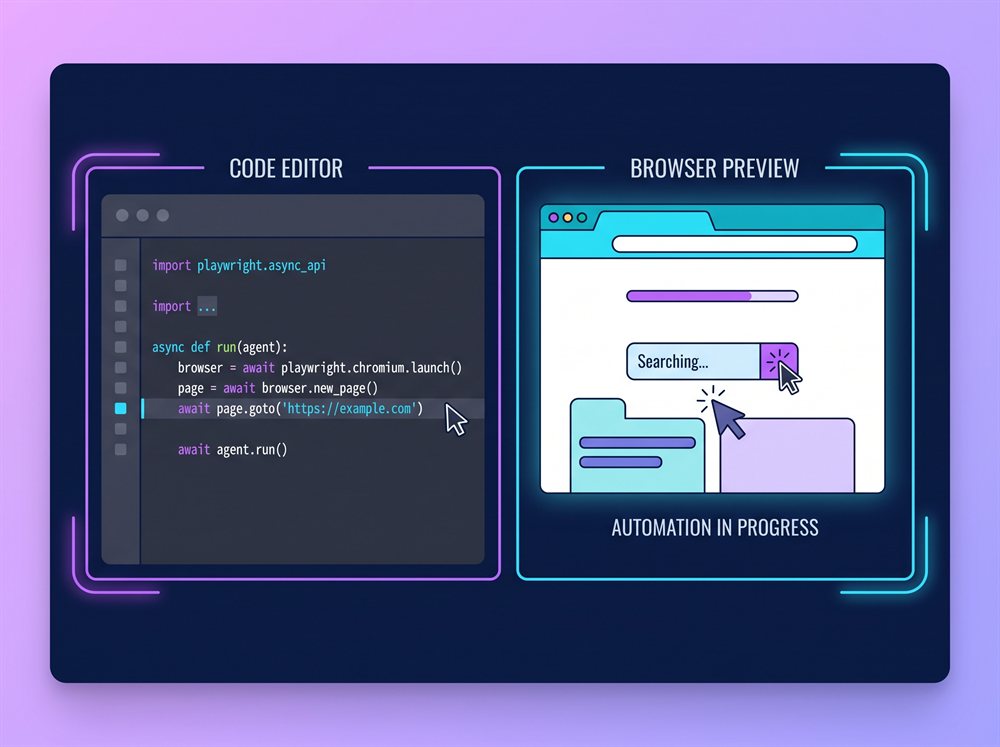
Browser-Use is the de-facto open standard for browser automation with LLMs. It is a Python library that wraps Playwright (the browser automation tool), gives any LLM a high-level interface to "see the page" and "click element X", and lets you build your own web agent in a few dozen lines of code. The library is MIT-licensed, has 55,000+ GitHub stars, and is the underlying engine behind many "AI agent" demos you have seen online.
The pitch is the opposite of Operator's: bring your own model (Claude, GPT-4o, Gemini, a local Ollama model), write your own orchestration (Python), and run it in your own environment. The default install is pip install browser-use + playwright install + a one-line .env with your API key. From there you can build a custom agent for any task — and because you own the code, you can customise the prompts, the tool selection, the retry logic, the error handling, and the deployment.
Where Browser-Use is weak: it is code-first, and "code-first" means you write the orchestration. You also manage the browser, the sessions, the cookies, the localStorage, the error recovery, and the deployment yourself. For a developer this is fine — it is the work they would do anyway, with a better tool. For a non-developer, Browser-Use is not the right answer. The other soft spot is the per-step cost: every step is an LLM call, and a long agentic run can rack up tokens. A complex task that would cost $0.50 on Operator might cost $2 on Browser-Use with a frontier model — though the BYOK flexibility means you can drop to a smaller model if you want.
Pick Browser-Use if you want to build a custom web agent in Python with full control over the model, the orchestration, and the data. Skip it if you want a no-code experience or you do not have a Python developer to maintain the agent.
Comparison at a glance
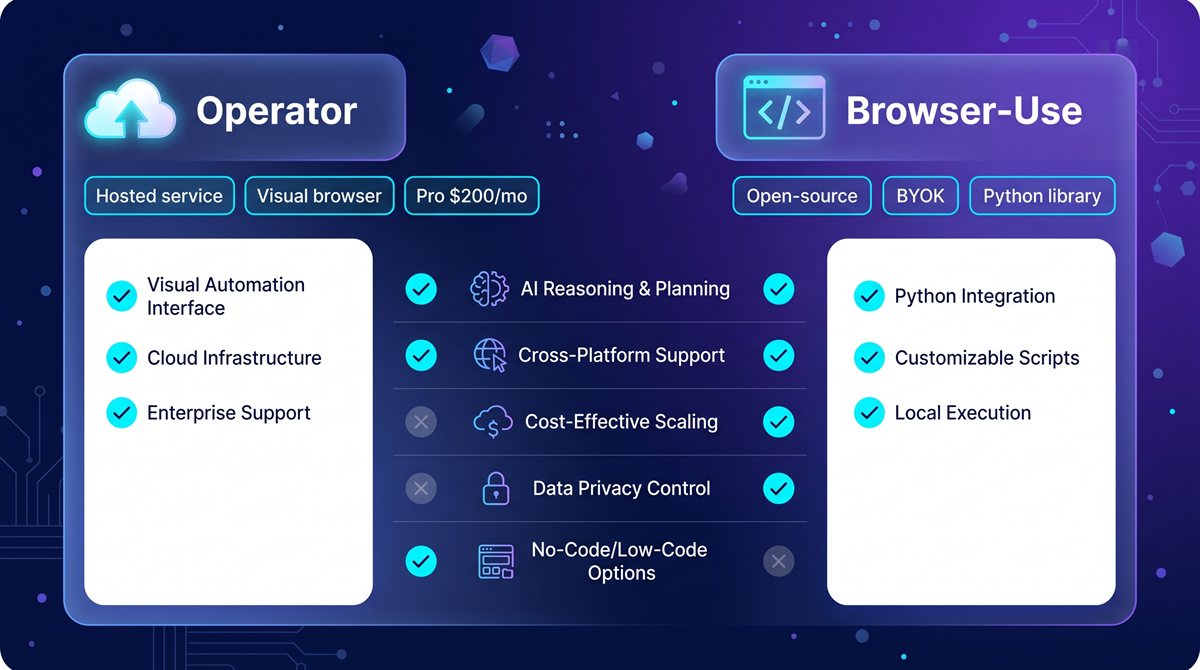
| Operator | Browser-Use | |
|---|---|---|
| Type | Hosted service | Open-source library |
| Setup | None — describe task, run | Python + Playwright + LLM key |
| Model | CUA (o3 vision-action) | Any LLM (BYOK) |
| Hosting | OpenAI's cloud | Your machine / your server |
| Data | Goes to OpenAI | Stays with you |
| Speed | Slow (vision-driven steps) | Slow (same — vision-driven) |
| Cost | $200/mo (ChatGPT Pro) | Free lib + per-step LLM cost |
| Customisation | None | Full control (code) |
| Browser | Remote virtual browser | Real Chromium on your machine |
| Best for | One-off, high-value tasks | Programmatic, repeatable workflows |
Verdict by use case
If you are a knowledge worker with a high-value one-off task ("plan a two-week trip with hotels and a CSV of every leg"): Operator. The $200/month is worth it if you would otherwise spend 3-4 hours on the task. The model is best-in-class and the UX is good.
If you are a developer building a repeatable workflow ("every Monday morning, scrape these 30 pages and email me a summary"): Browser-Use. The cost is per-step LLM usage, the model is your choice, and the agent runs in your environment. You can version-control it, schedule it, debug it, and deploy it the way you would any other software.
If you are an enterprise with a sensitive workflow that cannot send data to OpenAI's cloud: Browser-Use. Self-hosting, data staying on your servers, and the option to drop in a smaller model for cost reasons is the only path that meets a real compliance bar.
If you are evaluating the category and want the fastest "is this real" answer: Operator. Subscribe to ChatGPT Pro for one month, run a few real tasks, see what works. If you find yourself wanting programmatic control, cost transparency, or data residency, you'll have a clear reason to switch to Browser-Use when you cancel.
If you are building a product and need a browser agent as a component: Browser-Use. Operator is a product, not a library — you cannot embed it in your own application. Browser-Use is the only one of the two that lets you build on top of it. For a scraping-first product, you might also consider Firecrawl as a complement — it is a cleaner read-the-page API when you do not need to interact with the page.
What to try first
If you have never used an AI browser agent, the fastest on-ramp is to subscribe to ChatGPT Pro for one month and run a few real tasks on Operator. You'll see the category working in under an hour. From there, the natural next step is to install Browser-Use (pip install browser-use + playwright install) and run one of the example scripts. If you can write Python, you'll have your own custom agent in an afternoon. If you cannot, Operator is the answer and the $200/month is the only honest cost.
Bottom line
Operator is the right answer if you want a no-code, hosted, hands-off browser agent and you already pay for ChatGPT Pro. Browser-Use is the right answer if you want full control, self-hosting, programmatic workflows, and a lower cost-per-task. The two don't fight each other — most people who use Operator seriously end up with Browser-Use in their stack for the workflows that need code. Pick the one that matches the question you actually have right now, and remember the two are not mutually exclusive.
See the full profiles for both — and 60 other AI agents — in our directory.