 AI Agents Hub
n8n vs Make vs Zapier Agents: Which AI Workflow Tool Should You Use in 2026?
Three workflow automation tools have become the default for AI-powered tasks: n8n's open-source node editor, Make's visual scenarios, and Zapier's 7,000-app Agents. Different shapes for different jobs.
"I need to connect 5 SaaS tools and have an AI make a decision and route the result somewhere" used to be a custom engineering project. In 2026, it is a one-day setup with one of three tools. n8n is the open-source, self-hostable node editor (186K+ GitHub stars). Make is the visual cloud platform with the most powerful branching UI. Zapier Agents is the easiest on-ramp, with the largest integration ecosystem (7,000+ apps) and per-task pricing.
All three do "AI-powered workflow automation." None of them is a substitute for the others. Picking the wrong one for your situation means either a 3-day setup that should have taken 3 hours, or a $200/month bill that should have been $0. This post compares the three using the profiles in our 62-agent directory, and tells you which to pick for which kind of workflow.
n8n: the open-source node editor
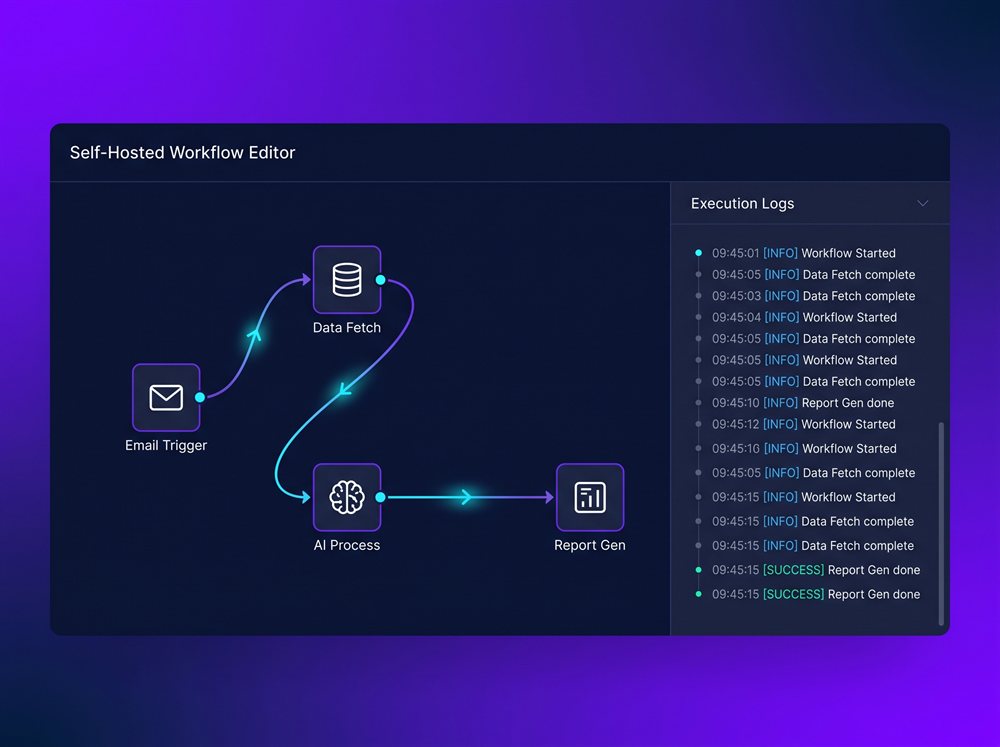
n8n is the closest thing in the workflow-automation world to "Zapier, but you own it." It is a node-based visual editor where you drag trigger nodes (Webhook, Schedule, Email) and action nodes (HTTP, Slack, Database) onto a canvas, draw lines between them, and the workflow runs. It is open-source (with a "Sustainable Use" license — free self-host, with some restrictions on SaaS resale), ships with 400+ pre-built integrations, and now has first-class AI Agent nodes for building LLM-powered steps inside a workflow.
The pitch is straightforward: self-hostable, so your data never leaves your server; cheaper than Zapier at scale (free self-host or $24/month cloud); powerful enough for complex, branching logic. The GitHub star count (186,000+) and the 900+ ready-made workflow templates are the proof that the community has stress-tested every use case. For a technical team with compliance or cost concerns, n8n is the obvious default.
Where n8n is weak: the license is "Sustainable Use" — not pure OSS — and the learning curve is steeper than Zapier or Make. The setup that takes 10 minutes on Make can take 45 minutes on n8n if you are not familiar with the model. The other soft spot is the ecosystem: Zapier has 7,000+ apps, Make has 1,500+, n8n has 400+. For the long-tail SaaS tool your team uses, you may need to build a custom HTTP node yourself.
Pick n8n if you want to self-host for compliance or cost, your data cannot leave your server, and your team is technical enough to write JavaScript or Python in a Code node. Skip it if you want a managed cloud experience with the broadest catalog — Zapier Agents or Make are friendlier.
Make: the visual cloud platform
Make (formerly Integromat) is the platform for complex, branching, multi-step workflows that would be hard to express in Zapier's linear step list. You build "scenarios" by dragging modules onto a visual canvas, drawing bubbles and lines between them. Branching, looping, error handling, aggregators, iterators, routers — all are first-class primitives in Make, not bolt-ons. With 1,500+ app integrations and a powerful HTTP module, Make can connect to anything with an API.
The pitch: more powerful than Zapier for complex workflows, cheaper than Zapier for high-volume automation, no code required. The free tier gives 1,000 ops/month; Core is $9/month for 10,000 ops; Pro is $16 for 10,000+ ops; Teams is $29 for higher volumes and shared workspaces. For a 12-module scenario that runs monthly (Stripe-to-NetSuite close, say), Make is the right price. The visual canvas also makes scenarios easy to read and explain to non-developers — useful for cross-team buy-in.
Where Make is weak: it is cloud-only, so no self-host. The visual editor, while powerful, can feel complex to first-time users — the learning curve is steeper than Zapier but easier than n8n. The other soft spot is the per-step cost model: a complex scenario uses 10+ ops per run, and high-volume workflows can outgrow the Pro tier. Make also does not have first-class AI nodes — you call an LLM via the HTTP module or the OpenAI module, which is fine but more setup than n8n's AI Agent node.
Pick Make if you build complex multi-step automations with branching, loops, and error handling, and you prefer a visual canvas over linear Zaps. Skip it if your automations are simple one-shots (Zapier wins for non-technical setup), or you need self-hosting (n8n is the default).
Zapier Agents: the easiest on-ramp with the largest ecosystem
Zapier Agents is Zapier's take on AI agents. You describe a goal in plain English ("when a new lead is added to HubSpot, enrich with Clearbit, score by company size, send a personalized Slack DM"), connect the apps, and the agent uses Zapier's 7,000+ app integrations to do the work. It is the easiest on-ramp for non-developers who already have Zaps running — you add an agent on top of your existing Zaps, and the agent uses the same actions you already trust.
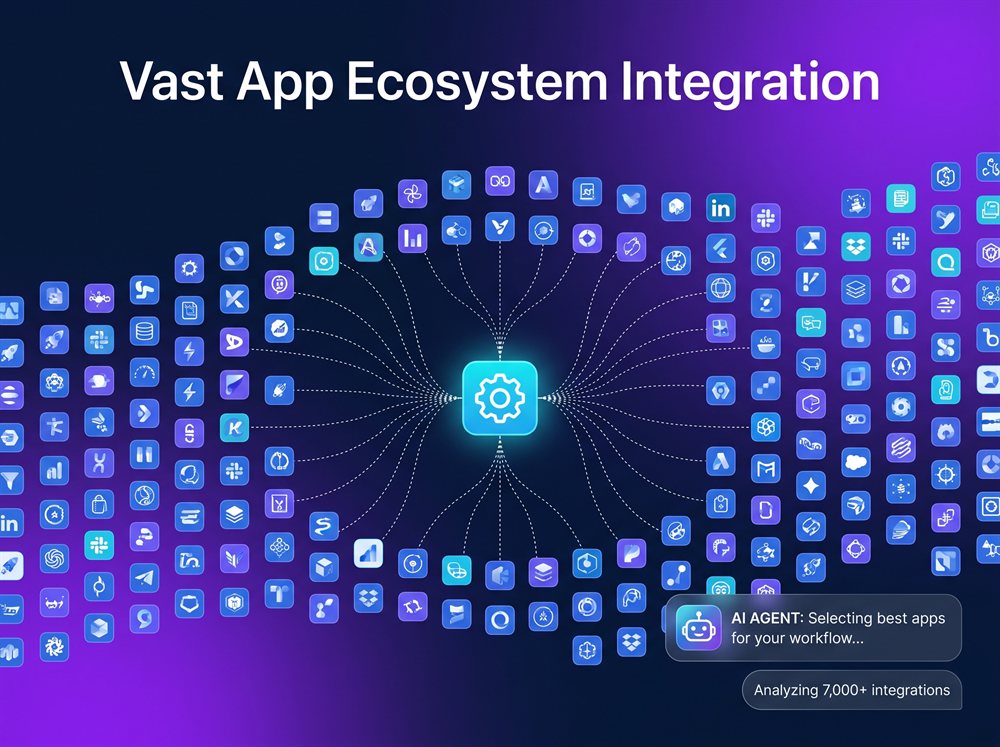
The pitch is the largest integration ecosystem in the industry and the lowest setup friction. If your team is already on Zapier (you have hundreds of Zaps), the agent reuses the same connectors, the same authentication, and the same task model — so the learning curve is "describe what you want in English", not "learn a new platform." Pricing: Free / Starter $20/month (750 tasks) / Professional $49/month (2k tasks) / Team $99/month (10k+ tasks and shared agents). The per-task model is the trade-off: easy budgeting for predictable workflows, but expensive at scale for AI-heavy agents.
Where Zapier Agents is weak: no self-host (vendor lock-in), per-task pricing can get expensive for agents that run many times, and the AI decision-making is less transparent than n8n or Make (you can see the calls the agent made, but debugging complex agent logic is harder). The other soft spot is the lack of complex branching — Zapier's linear step model is its strength for one-shots, but a 12-step branching workflow is much easier to express in Make or n8n.
Pick Zapier Agents if your existing automation already runs on Zapier and you want to layer AI on top without learning a new platform. Skip it if you need complex branching or self-hosting (n8n or Make are stronger), or per-task pricing is too expensive for your volume.
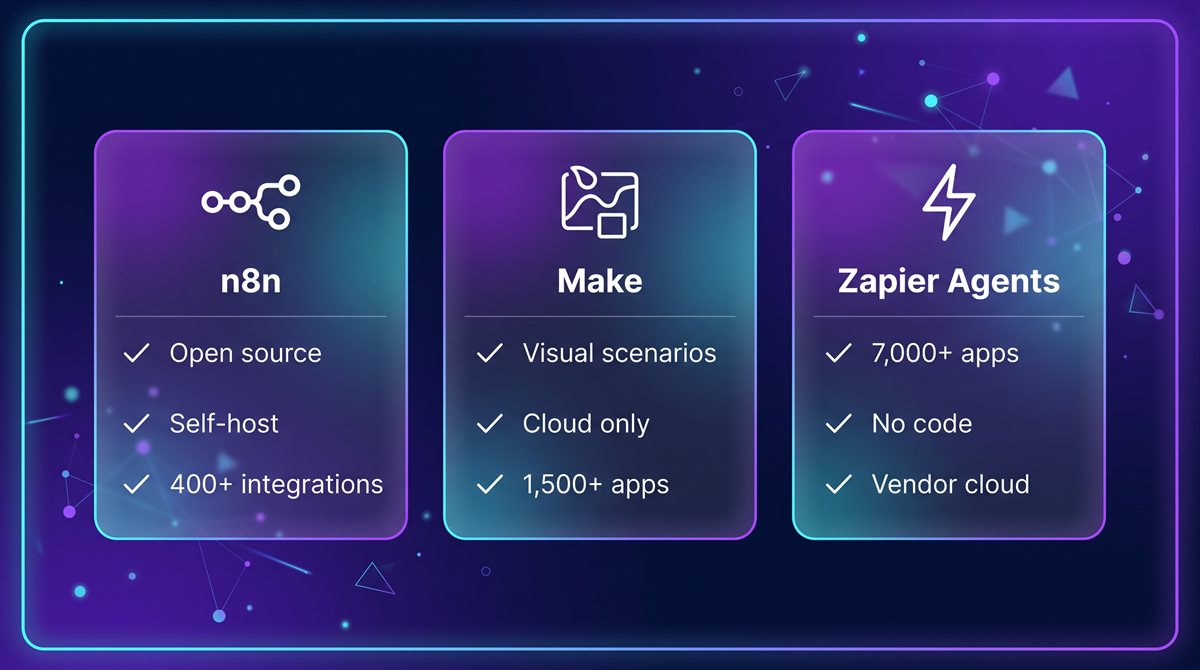
Comparison at a glance
| n8n | Make | Zapier Agents | |
|---|---|---|---|
| Hosting | Self-host or cloud | Cloud only | Cloud only |
| License | Open-source (Sustainable Use) | Commercial | Commercial |
| Editor | Node-based visual canvas | Visual scenarios (branching) | Plain English + Tools list |
| Integrations | 400+ | 1,500+ | 7,000+ |
| AI support | First-class AI Agent node | HTTP / OpenAI module | Built-in agent runtime |
| Free tier | Self-host (unlimited) | 1,000 ops/month | 100 tasks/month |
| Paid | Cloud $24/mo | Core $9/mo | Starter $20/mo |
| Best for | Technical teams, compliance, custom code | Complex branching workflows, visual thinkers | Existing Zapier users, quick setup |
| Limit | Steeper learning curve, smaller integration catalog | No self-host, per-op cost adds up | Vendor lock-in, per-task pricing |
Verdict by use case
If you are a technical team with compliance, cost, or data-residency requirements: n8n. Self-host on your own infrastructure, write JavaScript or Python in a Code node when the integration is custom, and you own every byte that flows through the system. The 186K GitHub stars and 900+ templates are evidence that the ecosystem has matured.
If you build complex, branching, multi-step workflows and prefer a visual canvas: Make. The visual scenario editor is the most powerful of the three for non-linear logic. The 1,500+ integrations and the cheap paid tiers make it the right answer for high-volume visual workflows.
If you are already on Zapier and want to add AI to your existing Zaps: Zapier Agents. The 7,000+ app ecosystem and the plain-English setup mean the agent reuses everything you already have, and you are productive in an afternoon.
If you are a solo founder or non-developer who wants a personal AI employee for inbox and calendar: Lindy is the friendlier pick — it is purpose-built for "describe a Lindy in English, give it Gmail and Calendar, watch it work." Lindy is not in this head-to-head because its scope is narrower (personal-assistant-first), but if you do not need a general automation platform, Lindy is faster to value.
If your data and workflows already live in Salesforce: Agentforce. The integration tax disappears, and you inherit Salesforce's security and audit story. Outside the Salesforce ecosystem, Agentforce is the wrong answer.
For most serious automation work, you end up using two of the three. n8n for the workflows that need self-hosting or custom code, Make for the visual branching workflows, and Zapier Agents for the long-tail SaaS apps. The three compose well — Zapier actions can call n8n webhooks, n8n can call Make webhooks, and Make can call Zapier webhooks. The tool that wins is the one that matches the workflow you are building today.
What to try first
If you have never used any of these, start with the free tier of Zapier Agents. The 100-task free tier is enough to evaluate the category, the setup is plain English, and you will have a working agent in under an hour. From there, add Make the first time you need a branching workflow Zapier cannot express, and add n8n the first time you hit a self-hosting, compliance, or custom-code requirement. The three are not mutually exclusive — most serious automation shops use all three.
Bottom line
n8n is the right answer if you need self-hosting, custom code, and the lowest cost. Make is the right answer if you build complex branching workflows and prefer a visual canvas. Zapier Agents is the right answer if you are already on Zapier and want the easiest on-ramp. All three are excellent. The one to pick depends on whether your bottleneck is compliance (n8n), complexity (Make), or speed-of-setup (Zapier).
See the full profiles for all three — and 59 other AI agents — in our directory.