 AI Agents Hub
Claude Code 2026 Major Updates: What Actually Changed
Claude Code had its most significant update in years at Code w/ Claude 2026. Artifacts, Advisor Tool, Managed Agents, rate limit doubles. Here's what actually matters for working developers.
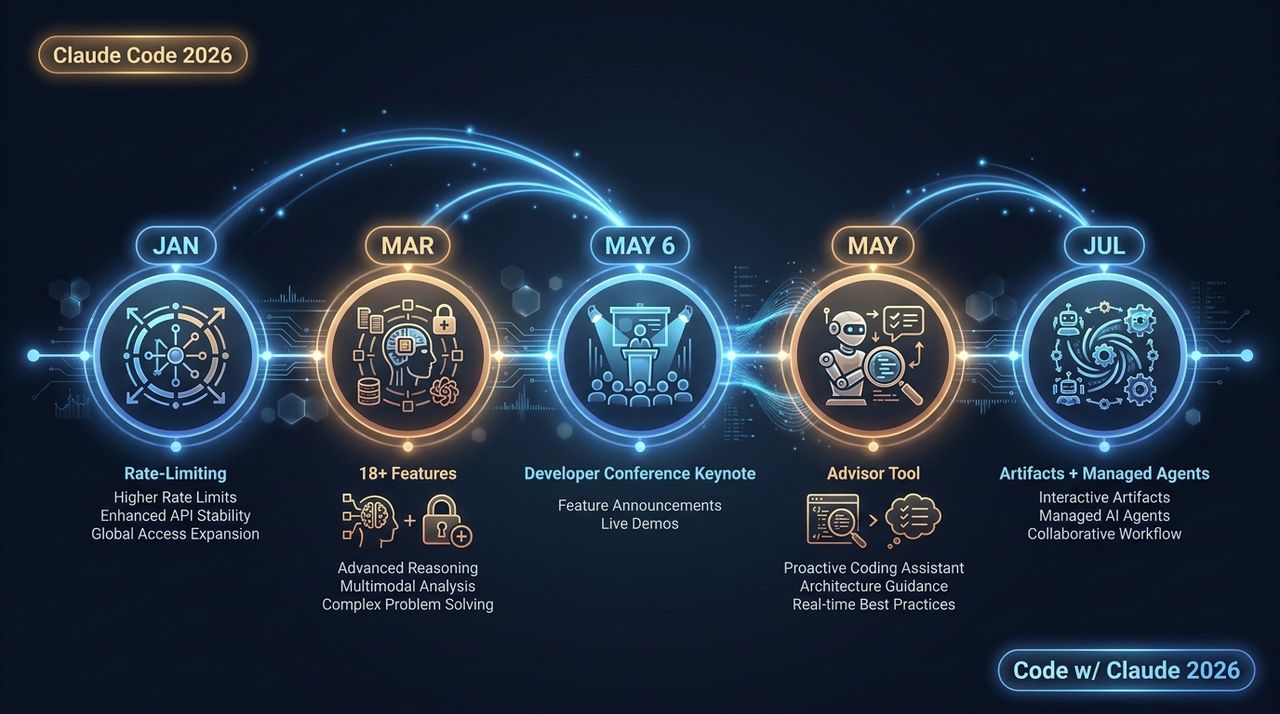
Claude Code shipped its most significant update in years at the Code w/ Claude 2026 conference on May 6 — and the headline is that the tool is no longer just a smart CLI. It is becoming a full development operating system. Here's what actually matters for working developers in 2026, drawn from our profiles in the 62-agent directory.
What changed: the five things that matter
1. Rate limits doubled — finally
Pro, Max, and Enterprise Claude Code users had their 5-hour session limits doubled. If you were running a long refactor and getting cut off mid-task, that friction is gone. This sounds minor; it is not. Long agentic tasks require a sustained context window, and getting interrupted at the 4-hour mark was a real workflow killer. The doubling makes it viable for the tasks it was always meant to handle.
2. Artifacts: the terminal finally escapes the terminal
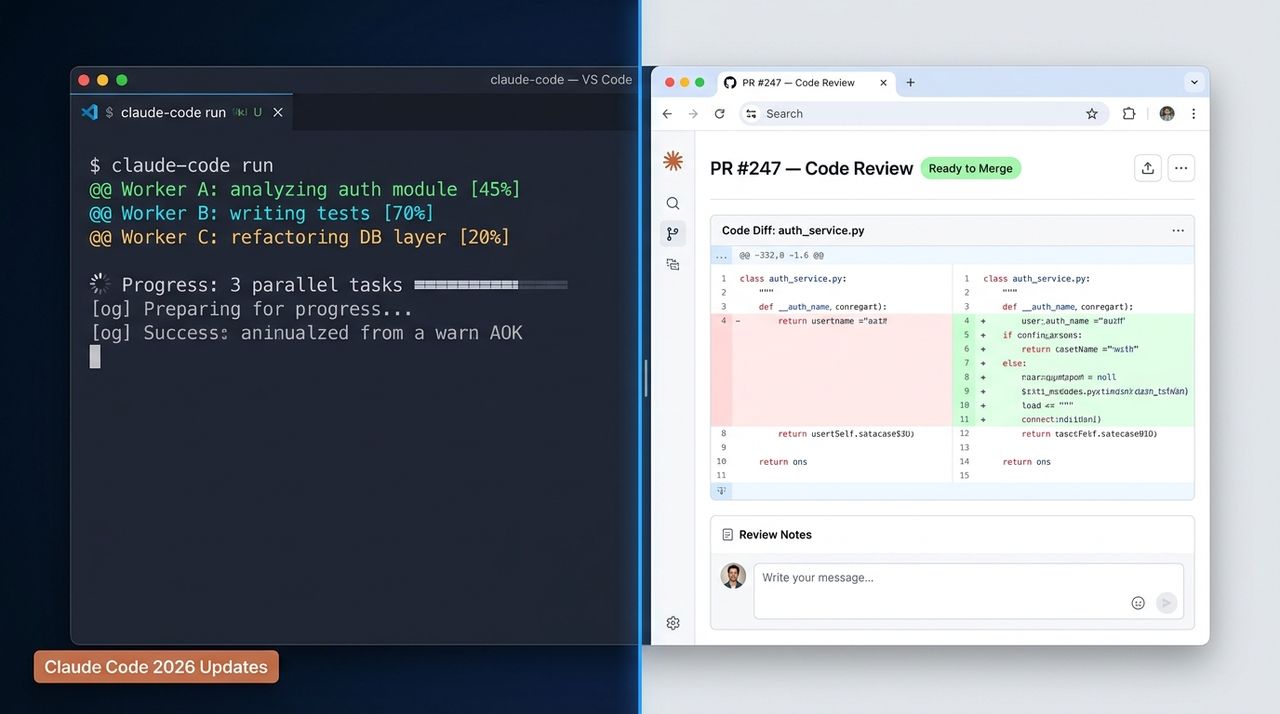
Claude Code's output was always text in a TTY. The new Artifacts feature changes that — it can capture its work session as a live, shareable web page. Think: a PR code review page with the diff, the reasoning, and the test results — that updates in real time as Claude works. Or a system architecture diagram generated from the actual import graph. Or an incident timeline that grows as the investigation proceeds.
In Anthropic's own testing, the most common use case was incident investigation: an engineer starts a debugging session before a meeting, shares a link, and by the time the meeting starts, Claude has already re-published the page twice with new findings. Everyone in the meeting sees the same view. No one is asking "what did the agent find?" — they can see it.
Artifacts is in Beta for Claude Team and Enterprise. The generated pages work in any browser and carry a fixed URL. Each republish creates a new version with full history.
3. Advisor Tool: Sonnet as executor, Opus as reviewer
The Advisor Tool introduces a two-model workflow: Sonnet 4.6 as the executor (does the work), with Opus 4.7 as the advisor (reviews the hard decisions). When Sonnet hits a tricky architectural question, it escalates to Opus for a评审. Anthropic's test data shows this combination matches Opus-solo performance on parts of the SWE-bench multilingual benchmark — while cutting inference cost by roughly 5x.
For developers who found Opus too expensive for daily use but Sonnet not powerful enough for complex tasks, this is the practical answer. You get Opus-level quality at Sonnet-level cost for the parts that matter.
4. Claude Managed Agents: the three-pack
Three new capabilities shipped under the Claude Managed Agents umbrella:
Multi-agent orchestration (public Beta): A Commander Agent breaks down a task and dispatches it to multiple Worker Agents running in parallel, each with an independent context window. Workers do not interfere with each other. The Commander aggregates results. This is the production-ready version of the team-mode pattern that developers had been approximating with sub-agents for months.
Outcomes (public Beta): You define what success looks like, and Claude iterates autonomously until it gets there. You do not specify the path — you specify the goal. Anthropic calls this "the autonomous agent mode." For compound tasks where the steps are not known in advance, this is meaningfully different from step-by-step prompting.
Dreaming (research preview): Claude runs a task overnight, reviews its own past sessions, identifies gaps, and generates a new playbook.md. In a live demo, it discovered a flaw in a lunar lander project's descent algorithm and wrote a descent-playbook.md to address it. Anthropic is upfront that this is experimental — but the capability is real.
5. CI Auto-fix and Code Review
Claude Code can now automatically fix failing CI runs by committing a fix to the PR. You return to a "Ready to merge" state instead of a red build. Anthropic's own teams use this internally, according to product lead Cat Wu at the conference.
Code Review and Security Review have also been upgraded. Security Review scans code and proposes patches — specifically useful for compliance-heavy environments like financial systems where human security audits are a bottleneck.
What this means for your workflow
Three practical changes worth considering.
First, if you've been hitting rate limits, try the Advisor Tool. Sonnet + Opus in advisor mode is the most cost-effective way to use Claude Code's strongest reasoning on the tasks that actually need it. Configure it once, and the model stack picks the right tool for each step automatically.
Second, if your team reviews PRs asynchronously, set up Artifacts for incident investigations. One link, one view, updated in real time. The coordination cost of sharing "what the agent found" drops to zero.
Third, if you have a repeatable multi-step workflow, look at Outcomes mode. The difference between "here are the 10 steps to do this" and "here is the outcome I want, figure out the steps" is significant. Outcomes mode is the right tool when you know what good looks like but the path is not obvious in advance.
What hasn't changed
For context: Claude Code still lives in the terminal. The new features layer on top — they do not replace the CLI-first experience. If you were already using it for multi-file refactors and large-repo work, the 2026 updates make that better. If you haven't tried it, the onboarding is the same: curl -fsSL https://claude.ai/install.sh | bash, an API key, and you are running.
The other thing that hasn't changed: Claude Code is still a harness around a model. The model is strong. The harness is increasingly sophisticated. The combination is what makes it different from a chat window with a code context.
How it fits alongside Cursor and Cline
We compared Claude Code, Cursor, and Cline in detail earlier — and the 2026 updates widen Claude Code's lead in the terminal-native, multi-file refactor category. If you picked Cursor for the tab autocomplete or Cline for the open-source BYOK model, nothing in these updates changes that decision. But if you were on the fence about Claude Code, the rate limit fix alone makes it a more viable daily driver.
The three tools are increasingly composable: Cline for open-source day-to-day, Cursor for the tab autocomplete, Claude Code for the long tasks, complex refactors, and the new agentic workflows that the others cannot yet match.
Bottom line
Code w/ Claude 2026 was not a marketing event — the features are real and the use cases are immediate. Rate limits were a real blocker and they fixed it. Artifacts solves a coordination problem that every team working with AI agents has felt. The Advisor Tool makes the cost-quality tradeoff on complex tasks more tractable. And Outcomes + Dreaming point toward what agentic development will look like in 12 months.
The most honest summary: Claude Code started 2026 as a good CLI coding tool. It ends the first half as a development operating system. The CLI is still there, but around it is a growing set of capabilities that change what "working with an AI" means in practice.
See the full profile — including benchmarks, pricing, and alternatives — for Claude Code and Cursor and Cline in our directory.